The standalone homelab dashboard that maintains itself.
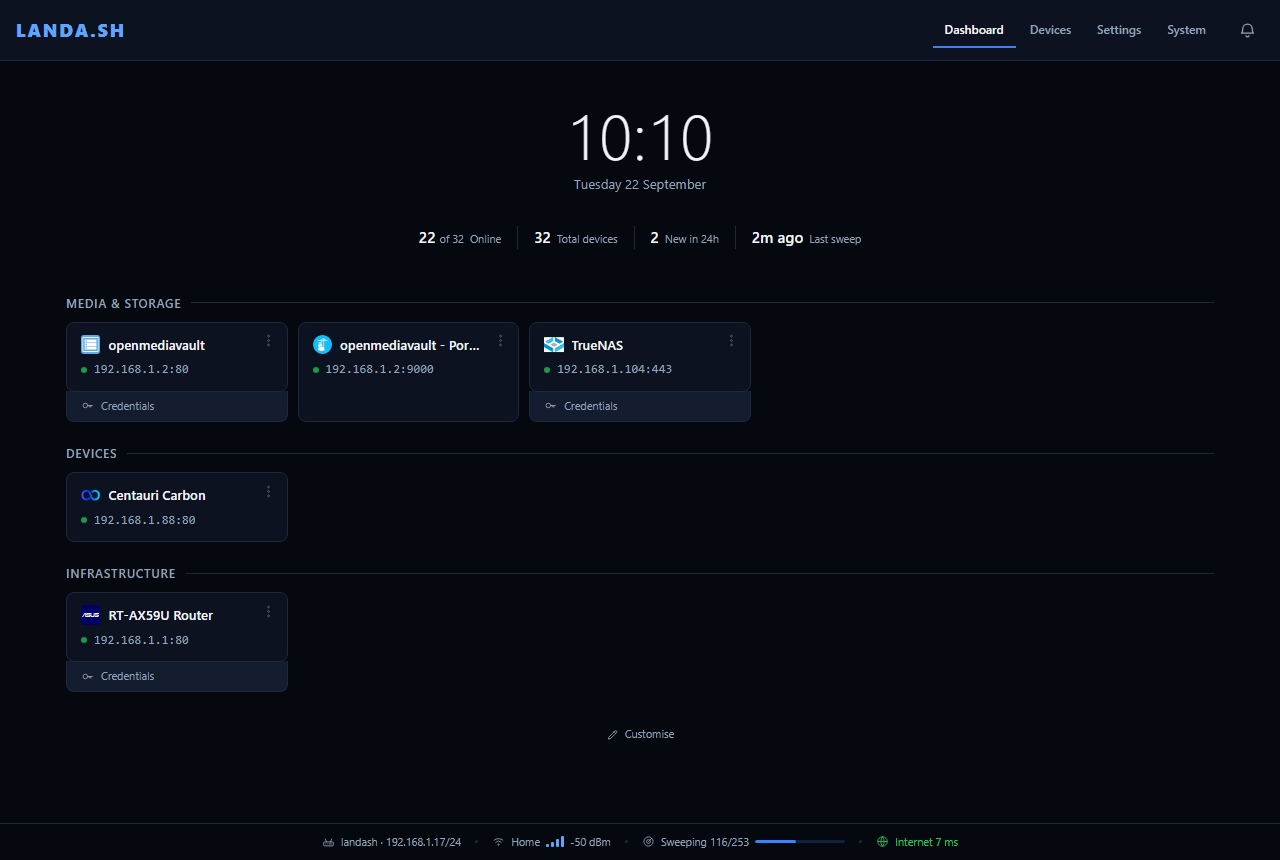
A USB dongle that finds every device and service on your network and builds your dashboard for you. No server, no Docker, no config files.
How it works
Stop maintaining your dashboard.
Hand-written dashboards go stale when an IP changes. LANDA.SH watches the network instead.
- 1Plug it in
Any USB port. It joins your Wi-Fi and shows its address on screen.
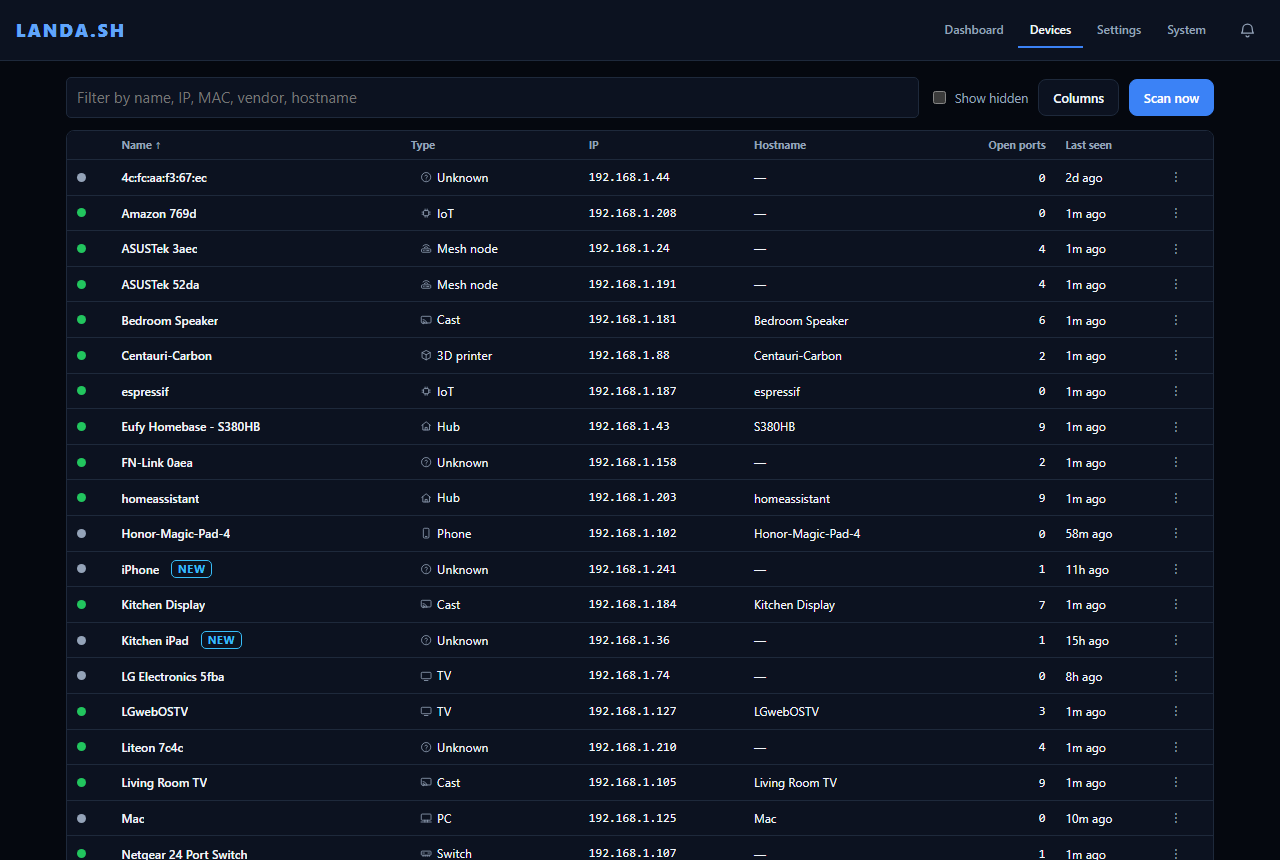
- 2It finds everything
Devices, their names, and the services each one runs.
- 3Pin what you use
One click turns a found service into a tile.
Never goes stale
Tiles follow the device through IP changes and show whether each service is up.
Tells you what changed
New devices, services opening or closing, and internet outages.
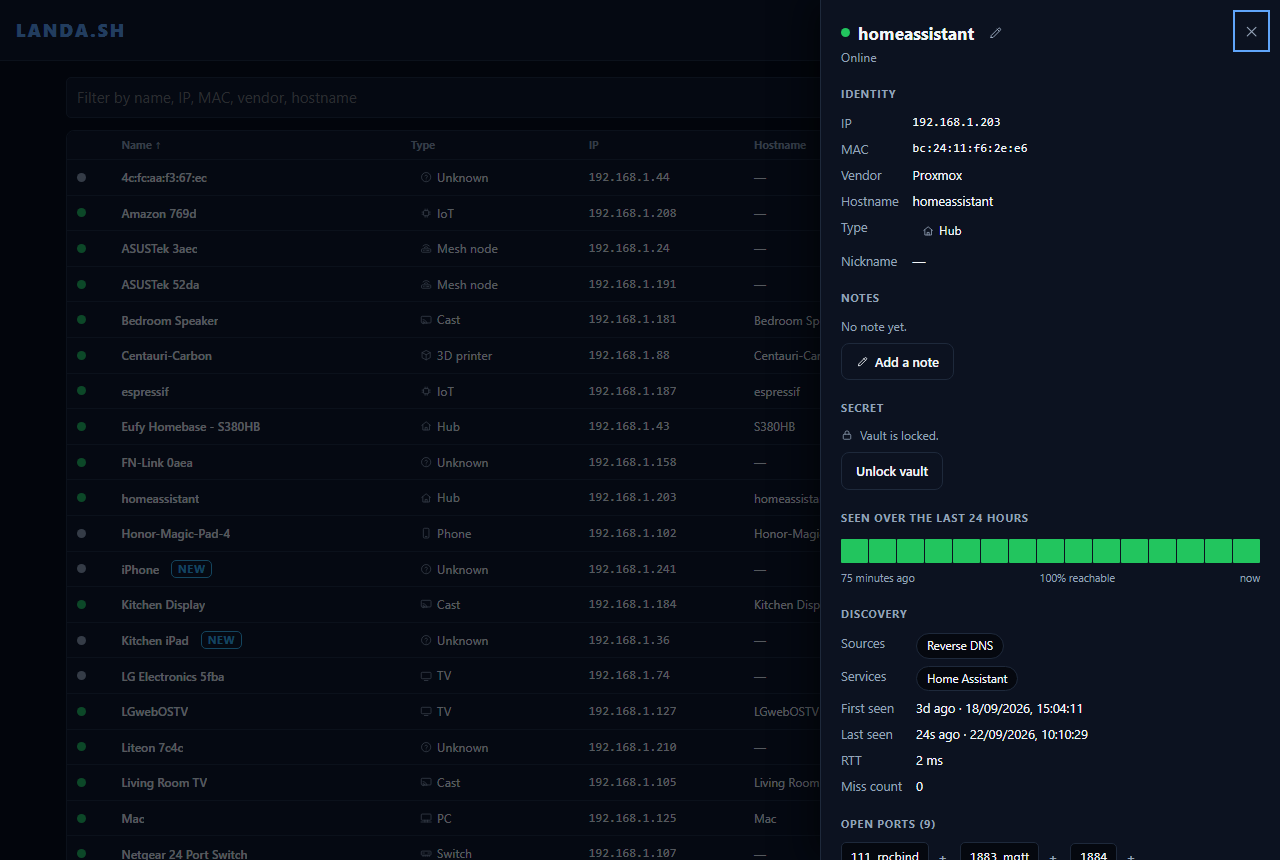
Passwords beside services
An encrypted vault for your router and NAS logins, unlocked with your passphrase.
Updates itself
New releases install automatically and roll back if they fail.
The hardware
One dongle. No server.
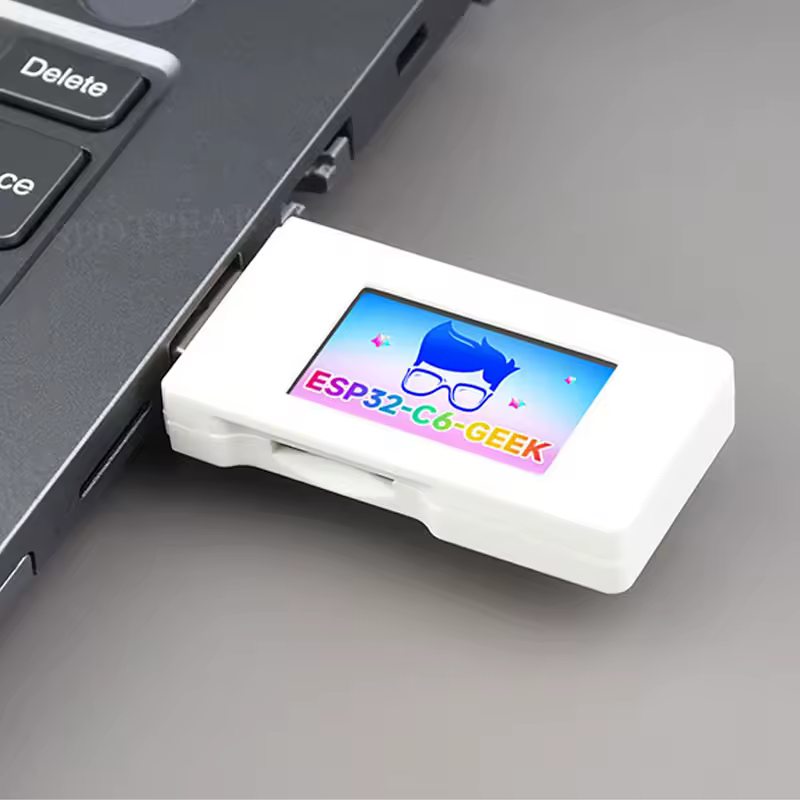
LANDA.SH runs on the Waveshare ESP32-C6-GEEK, a USB stick with Wi-Fi and a small colour screen.
- 2.4 GHz Wi-Fi 6
- 1.14" screen
- 16 MB flash
- USB-A
Not an affiliate link. LANDA.SH isn't connected to Waveshare or the seller and can't vouch for either. It must be the ESP32-C6-GEEK; other boards won't work.
Open source
The firmware and dashboard are on GitHub.
Your device list stays on the dongle. It only goes online for the time, an internet check and updates.
View on GitHubInstall
Up and running in five minutes.
Install from this page in Chrome or Edge. Updates are automatic after that.
- Plug the dongle into this computer
No dongle yet? See above.
- Install
Press Install, choose USB JTAG/serial debug unit and confirm. Takes about a minute.
- Connect it to your Wi-Fi
Join the
LANDA-XXXXnetwork shown on the dongle's screen, openhttp://192.168.4.1and pick your Wi-Fi. - Open your dashboard
Go to
http://landash.local, or the address on the screen.
Install LANDA.SH
New board? Tick Erase device. Reinstalling? Leave it unticked to keep your data.
Nothing in the list? Try another cable.